New testing shows DisplayPort 2.1 is very picky about the monitor cable you're using
Overview & Key Takeaways
If you want the full 80 Gbps of bandwidth, you'll need a DP80-certified cable.
There's a Hidden Limit to DisplayPort 2.1 - YouTube
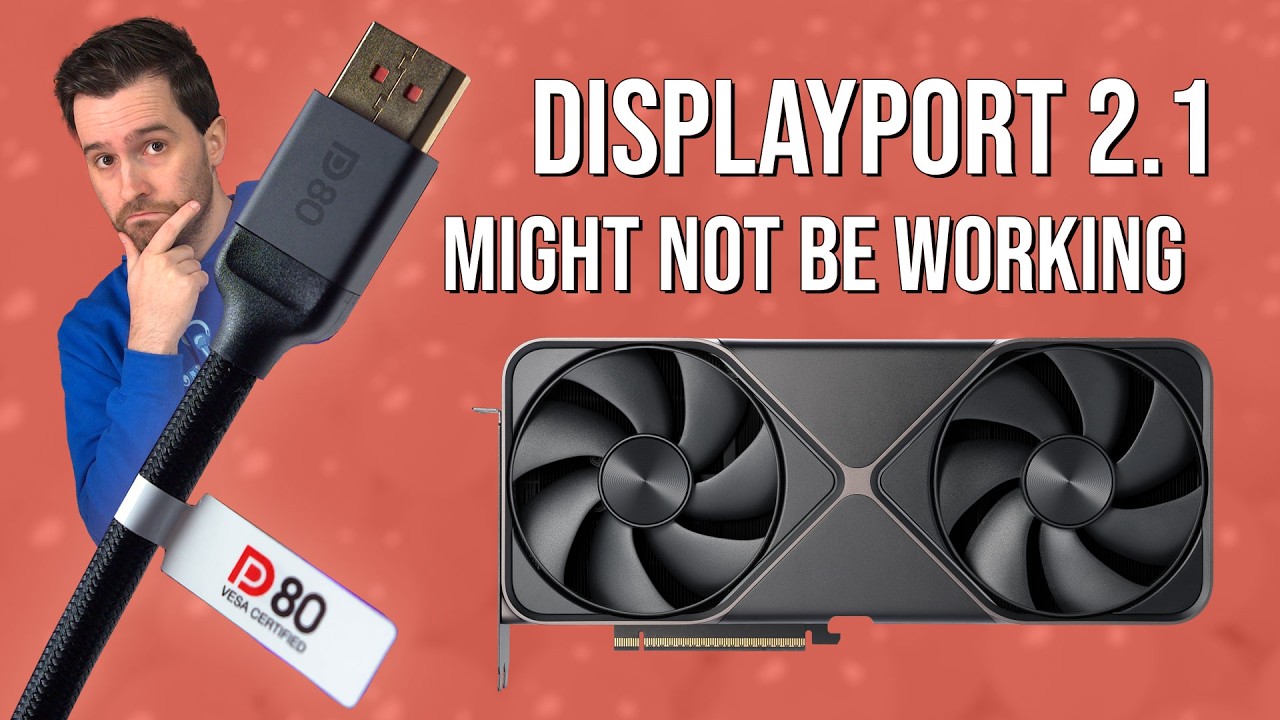
DisplayPort 2.1 GPU connected to DisplayPort 2.1 monitor. Result? DisplayPort 2.1 connect. Right? Apparently not, according to Monitors Unboxed. At least, not always.
Now, without getting bogged down in the details, the main attraction of DisplayPort 2.1 is bandwidth and lots of it. That means not only higher resolutions, refresh rates and colour depths, but also those higher resolutions, refresh rates and colour depths without using compression.
DisplayPort, of course, optionally uses a form of image compression known as Display Stream Compression or DSC. While it's meant to be visually lossless, there's some debate over the possible downsides of running a monitor with DSC enabled.
Latest Videos From
There have been reports, for instance, of black screen problems with Nvidia GPUs when enabling DSC and also the loss of DLDSR functionality. Anywho, Monitors Unboxed says that, unless you are using the correct cable type, it's "very unlikely" that a DP 2.1 display and GPU combo will actually run with DP 2.1 enabled.
Monitors Unboxed demonstrates this with a 32-inch 4K Asus QD-OLED monitor with DP 2.1 support and an Nvidia RTX 5090 GPU. The full 10-bit colour 4K 240 Hz signal required to drive the display at its native capability uses 68.6 Gbps of bandwidth.
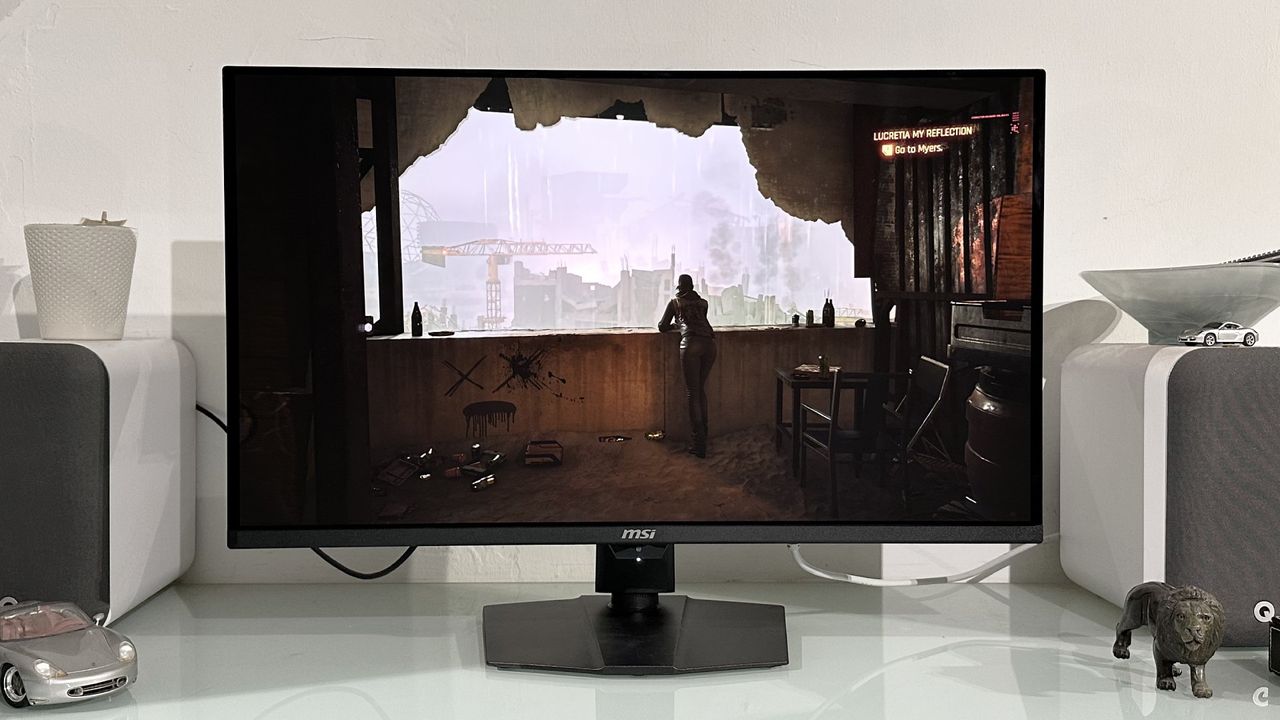
Many of the latest 4K OLED panels, like the MSI MPG 322UR X24, are DP 2.1 capable. (Image credit: Future)
Sure enough, courtesy of the short DP80 cable (more on that cable in a moment, but the maximum length for a passive DP 2.1 cable is currently two metres, though many bundled cables are shorter) supplied with the Asus monitor, the channel confirms that DisplayPort 2.1 interface is running at the full UHBR20 rate. So, that's 20 Gbps per channel, with four active channels for a total of 80 Gbps, enough to drive the Asus monitor without enabling DSC.
But what if you use another cable, perhaps a longer DP Cable that you already have? The monitor still works and still allows the full 4K 10-bit 240 Hz configuration. Everything seems normal at first.
Keep up to date with the most important stories and the best deals, as picked by the PC Gamer team.
But Monitors Unboxed found on closer inspection that the link speed had dropped to 10 Gbps per channel, and thus 40 Gbps total, forcing the use of DSC. This all happens automatically.
In some ways, this is desirable behaviour. Many users aren't familiar with the intricacies of DisplayPort and DSC, so a system that works automatically and with full backwards compatibility is preferable to something that requires user intervention. Thus, a DP 2.1 monitor works seamlessly with a DP 1.4 GPU, for instance.
Many monitors also allow the user to choose whether DSC is available. In the scenario above, if DSC is disabled using the lower quality cable, the monitor deprecates down to a lower chroma subsampling of 4:2:2 and runs at a maximum of 144 Hz. So, that's lower colour fidelity and lower refresh.
Depending on how hands-on with this stuff you are, you may or may not notice or care. But the bottom line is that if you want to get the full 80 Gbps of bandwidth from DisplayPort 2.1, it looks like it's essential to use a DP 2.1-certified and tested cable, which is branded "DP80", with the "80" signifying the 80 Gbps of bandwidth.
The DisplayPort.org website has a database of certified cables for anyone who wants to check that their cable is fully DP 2.1 capable. For the record, AMD RDNA 3 (Radeon RX 7000) and RDNA 4 (RX 9000) are DP 2.1 capable, as are Nvidia RTX 50 GPUs and Intel Arc B500 GPUs. So, now you know. Over and out.
Best graphics card 2026